Connect
TikTok Ads
TikTok Ads connects through the TikTok Marketing API (TikTok for Business). You authorize Modiva against your advertiser account to create campaigns and read reporting.
Before you start
- A TikTok for Business / Ads Manager account.
- Advertiser access to the account you want to manage.
Step-by-step setup
- 1
Sign in to Modiva
Log in at modiva.ai and open the Dashboard. You need a Modiva account before you can connect any platform — creating one takes a minute and no credit card is required for the free tier.
The Modiva dashboard — your home for connections, posts and analytics. - 2
Open Connections → New connection
In the left sidebar choose Connections, then click New connection. You'll see the full catalogue of platforms grouped by category (Social, Ads and CRM).
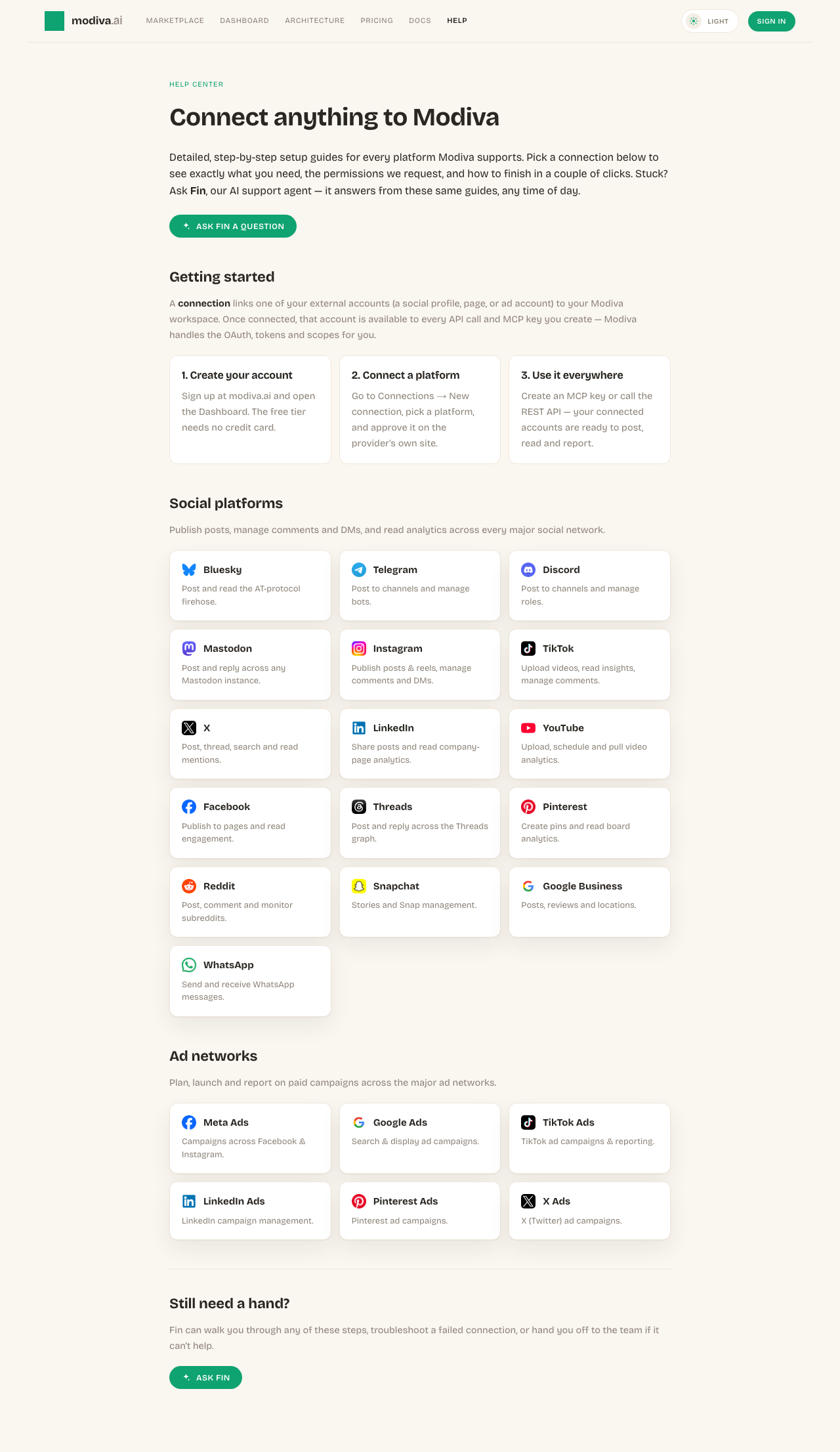
The connection picker. Use the search box or category filter to find your platform. - 3
Select TikTok Ads
Click the TikTok Ads card. Modiva redirects you to TikTok Ads's official sign-in and permission screen — your password is entered on TikTok Ads, never on Modiva.
Click Connect on the TikTok Ads card to start the secure OAuth flow. - 4
Authorize Modiva on TikTok Ads
Review the permissions Modiva is requesting and approve them. If you manage more than one account, page or profile, pick the one you want Modiva to manage.
TikTok Ads's consent screen. Approve the requested scopes to continue. - 5
You're connected
TikTok Ads now sends you back to Modiva and the connection appears with a green Connected status. From here it's available to every MCP key and API call in your workspace.

A healthy connection shows a green dot and the connected account name.
Permissions Modiva requests
When you connect TikTok Ads, Modiva asks only for the access it needs to run the tools you use. You can revoke it any time from TikTok Ads or by disconnecting in Modiva.
- Read ad accounts and campaigns
- Create and manage campaigns
- Read spend and conversion reporting
Troubleshooting & FAQ
Where is my TikTok Ads password stored?
Nowhere. You sign in on the provider's own site and Modiva only receives a scoped access token, which is encrypted at rest with AES-256-GCM. Modiva never sees your password.
My connection says Expired or Error — what do I do?
Open Connections, find the platform and click Reconnect (or Refresh token). Providers periodically expire tokens or revoke them when you change your password; reconnecting re-runs the consent screen and restores access.
How do I disconnect?
Open Connections, click the TikTok Ads row and choose Disconnect. Modiva deletes the stored token immediately. You can also revoke Modiva from inside TikTok Ads's own app settings.
Need help with TikTok Ads?
Fin can answer follow-up questions and walk you through any step.
TikTok Ads playbooks
Connected? Put TikTok Ads to work with these free growth playbooks.