Connecter
Bluesky
Bluesky connects with an app password rather than OAuth. You generate a dedicated app password inside Bluesky and paste it into Modiva — this keeps your main password private and lets you revoke Modiva's access at any time.
Avant de commencer
- A Bluesky account and its handle (for example you.bsky.social).
- An app password generated in Bluesky settings — never use your main account password.
Configuration pas à pas
- 1
Create a Bluesky app password
In the Bluesky app go to Settings → Privacy and security → App passwords → Add app password. Name it "Modiva" and copy the generated value (formatted like xxxx-xxxx-xxxx-xxxx). You won't be able to see it again. If you want Modiva to send and read direct messages, tick "Allow access to your direct messages" before generating — posting and reading work without it.

Generate a named app password in Bluesky — copy it before closing the dialog. - 2
Sign in to Modiva
Log in at modiva.ai and open the Dashboard. You need a Modiva account before you can connect any platform — creating one takes a minute and no credit card is required for the free tier.
The Modiva dashboard — your home for connections, posts and analytics. - 3
Open Connections → New connection
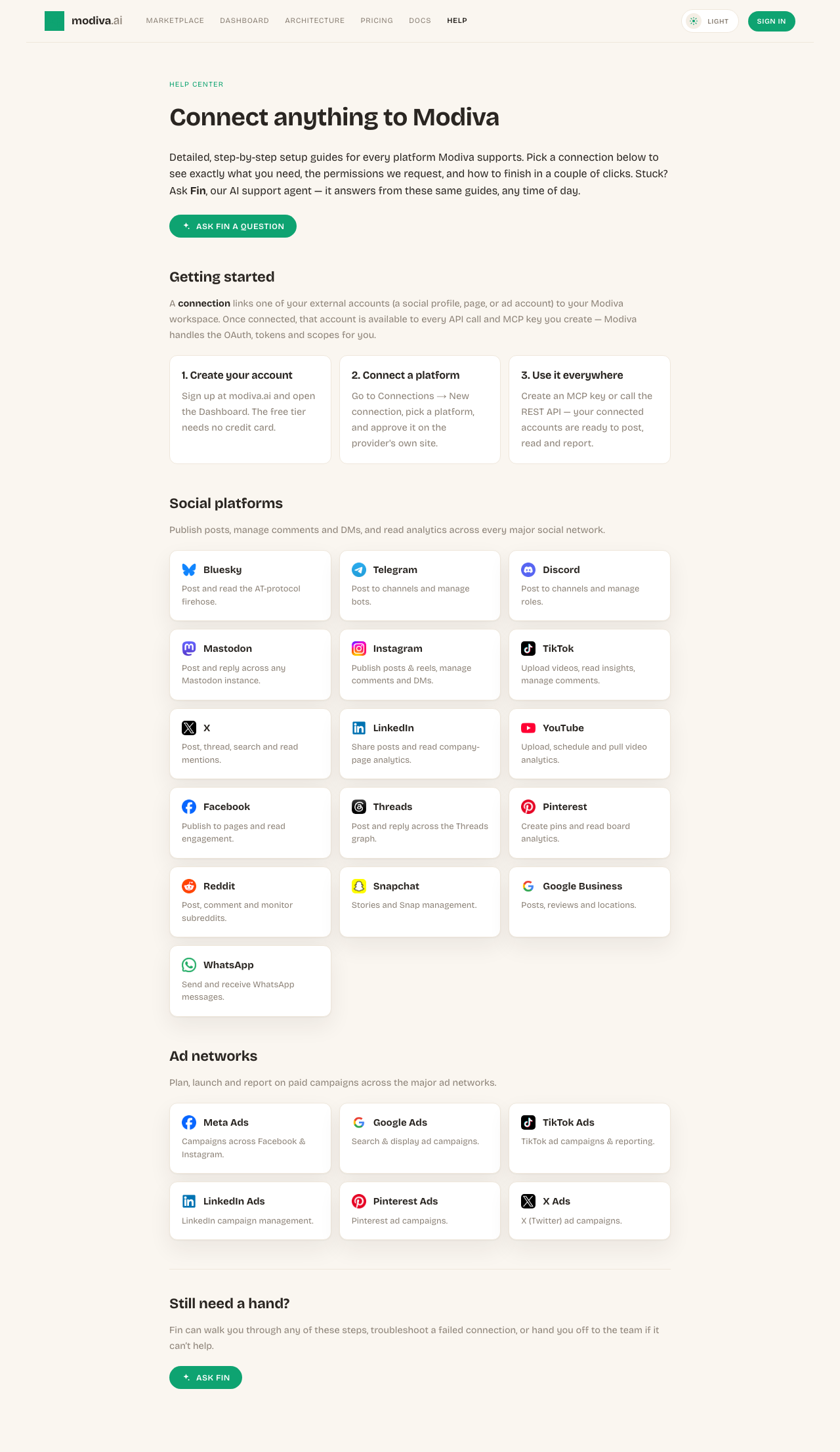
In the left sidebar choose Connections, then click New connection. You'll see the full catalogue of platforms grouped by category (Social, Ads and CRM).
The connection picker. Use the search box or category filter to find your platform. - 4
Enter your handle and app password
Click the Bluesky card. In the inline form enter your handle (or email) and the app password you just generated, then click Connect.
Paste the app password — not your main password — and your handle. - 5
You're connected
Modiva validates the credentials against the AT protocol and shows the connection as Connected. If the handle or app password is wrong you'll see an error — re-check both and try again.

A validated Bluesky connection is ready for posting.
Autorisations demandées par Modiva
Lorsque vous connectez Bluesky, Modiva ne demande que l'accès dont elle a besoin pour exécuter les outils que vous utilisez. Vous pouvez le révoquer à tout moment depuis Bluesky ou en vous déconnectant dans Modiva.
- Publish posts on your behalf
- Read your timeline and posts
- Send and read direct messages (only if the app password has DM access enabled)
Dépannage et FAQ
Why an app password instead of my real password?
Bluesky issues app passwords specifically for third-party tools. They can be revoked individually without changing your main password, and they limit what the tool can do.
How do I revoke Modiva's access?
Delete the "Modiva" app password in Bluesky Settings → App passwords, then Disconnect the connection in Modiva.
What analytics does Bluesky expose?
The AT protocol surfaces public engagement only — likes, reposts, replies and quotes per post, plus follower/following/post counts. Private metrics like impressions, reach or views are not available.
Can Modiva read and send my direct messages?
Yes, but only if you ticked "Allow access to your direct messages" when creating the app password. DMs are text-only on Bluesky — attachments aren't supported. If you didn't enable DM access, generate a new app password with it enabled and reconnect.
Besoin d'aide avec Bluesky ?
Fin peut répondre aux questions de suivi et vous guider à travers chaque étape.
